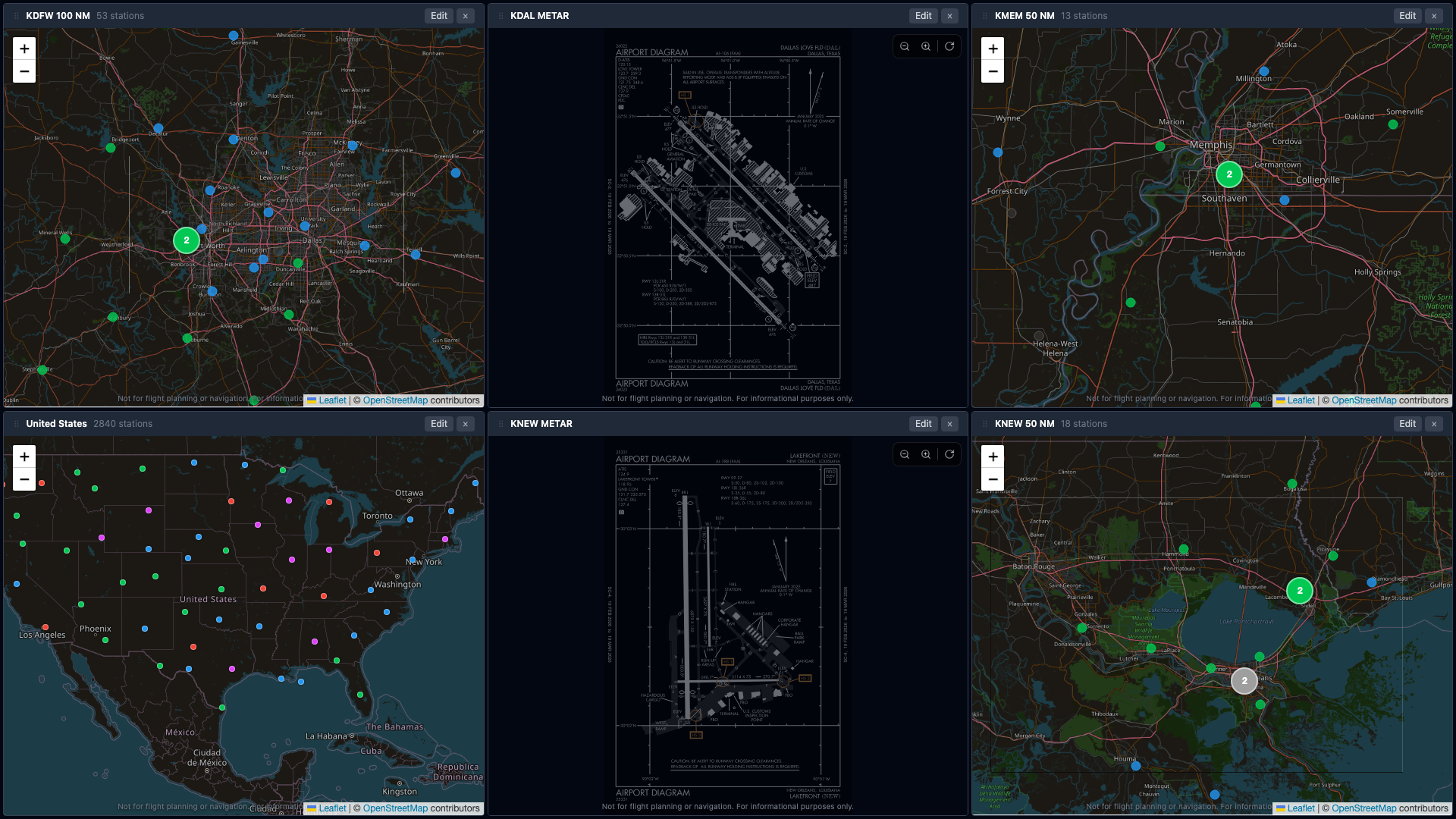
A single TV in the briefing room showing live METARs, color-coded flight categories, animated winds, and airport diagrams — for your home field, your practice areas, and your cross-country destinations.
Built by a pilot for the kind of briefing room you actually want students walking into.
Color-coded flight categories VFR MVFR IFR LIFR so a student can read the briefing wall from across the room and know whether they're going flying today.
Animated wind particles flow over US/regional maps in real time. Way more intuitive for primary students than reading "27015G22KT" off a strip of text.
Native Google TV / Android TV and Fire TV apps. Kiosk-mode dashboards that survive a power cycle, no laptop or browser babysitting required.
Build a dashboard for primary training (KTKI + practice areas), one for IFR (multiple destinations + alternates), one for cross-country day. Save them, switch with a click.
FAA d-TPP airport diagrams for the field you're operating at, plus generated runway layouts for non-towered fields the FAA doesn't publish for.
Quiet, professional briefing room display. Nothing flashing, nothing trying to sell your students a credit card.
Any HDMI display. Wall-mount or rolling cart. 32" is plenty for a room of 10 students.
Google TV / Android TV or Fire TV. Free on the Play Store and Amazon Appstore.
Scan the QR code with your phone, pick a saved dashboard, done. The TV remembers it across power cycles.
Walk students through the weather visually instead of reading raw text. Show wind shifts mid-lesson. Show why today is a no-go and they're studying for the written instead.
Multi-instructor accounts, extended trials, and invoiced billing for schools and FBOs. Drop a line and I'll get back to you within a day.