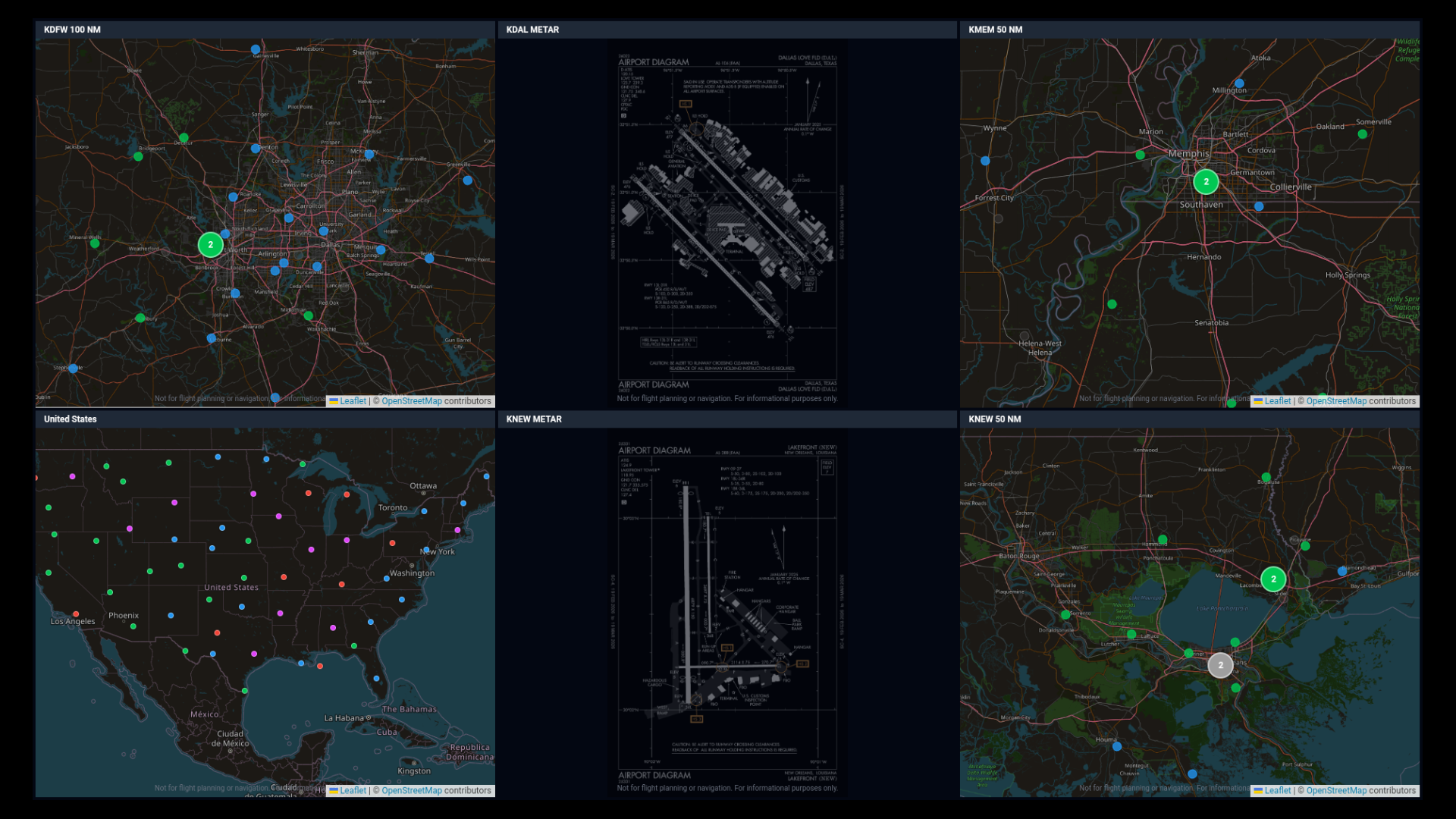
Hang any HDMI display in your hangar, briefing room, or home cockpit. Install the app on Google TV or Fire TV. Pair it with your phone in 30 seconds. Done — it's a live weather wall.
Search "MetarBoard Pro" on the Google Play Store (Android TV / Google TV) or Amazon Appstore (Fire TV). Free download.
You'll see a pairing screen with a QR code and a 6-character code.
Your phone opens MetarBoard Pro and asks "which dashboard?" Pick one of your saved dashboards (or build one on desktop first if you don't have any).
The TV loads your dashboard and remembers it across reboots. Set a PIN if the TV is somewhere students might press buttons on.
US-wide wind particle animation on a 55" 4K display is genuinely useful for situational awareness across a flight school's practice areas.
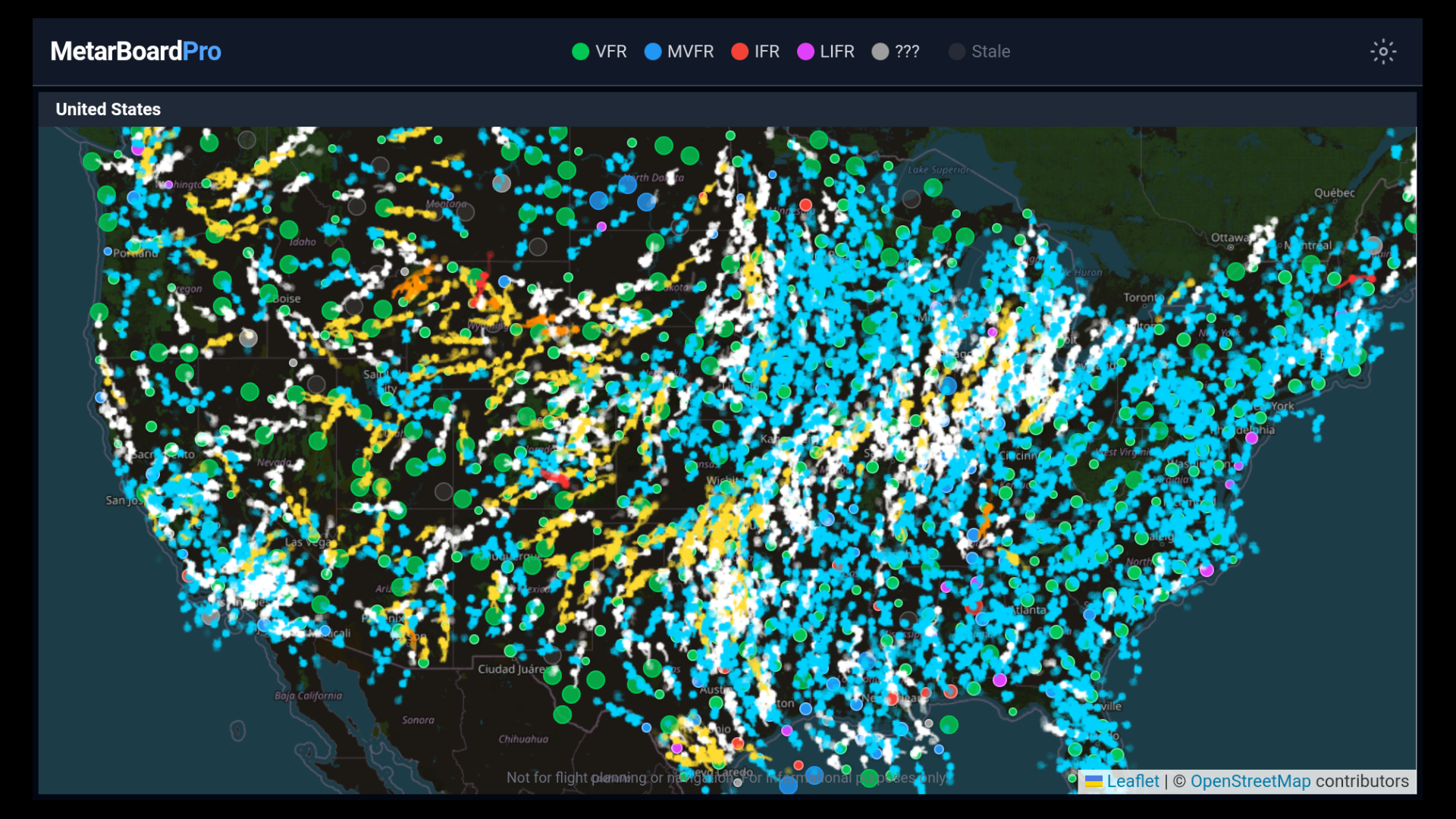
One screen, every instructor's go/no-go reference. Students see live conditions instead of cached printouts.
Quiet, professional ambient display. Pilots checking in for crosswind components or destination weather at a glance.
"Is it going to be VFR at sundown?" — answered without anyone unlocking a phone.
The most over-engineered way to decide whether to fly today. Worth every dollar.
For briefing rooms, FBO lounges, and hangars where the TV should run the dashboard 24/7 with no remote in hand, a few one-time settings make the difference between "works for an afternoon" and "still working a week later." The MetarBoard Pro TV app does most of this automatically; a couple of Fire TV / Google TV system settings need a manual flip.
You may notice a quiet "MetarBoard Pro running" entry in the Fire TV / Google TV notification area — that's the keep-alive service doing its job. Don't dismiss it; the OS will let the process die if you do.
Some Fire TV sticks and Google TV devices enter a deeper sleep when powered from a TV's USB port that switches off with the TV. For a true 24/7 kiosk, power the streaming device from a wall outlet (or a USB hub that stays on), so it doesn't have to cold-boot every morning.
The Android TV / Fire TV apps are free. You pair them to a dashboard you saved in the web app — and saving dashboards is a Pro feature (with a 14-day free trial).